Stubs Studio
A no-code builder for Web3. Connect a wallet, claim a domain, and publish a gallery, blog, or personal page assembled from modular tiles, without touching code. I led product design and strategy, from the core building block to the finished page.
- Product design
- Product strategy
- Web3
- No-code
The brief
Publishing on-chain was a developer's job. Minting a collection, putting up a gallery, or taking a tip in ETH meant contracts, tooling, and someone who could write code. Stubs set out to make decentralized publishing approachable for creators who would never open a terminal: connect a wallet, claim a domain, and have a working page in minutes.
The design problem was range. The same product had to serve an artist showing film photos, a collector showing NFTs, and a writer running a blog, without turning into a page builder with a hundred settings.
One building block: the tile
The answer was a single primitive. Everything on a Stubs page is a tile: a photo, a list of links, a tip jar, an NFT, a block of text. Tiles come in fixed sizes on a grid, so any combination lays out cleanly and no one has to think about spacing or breakpoints.
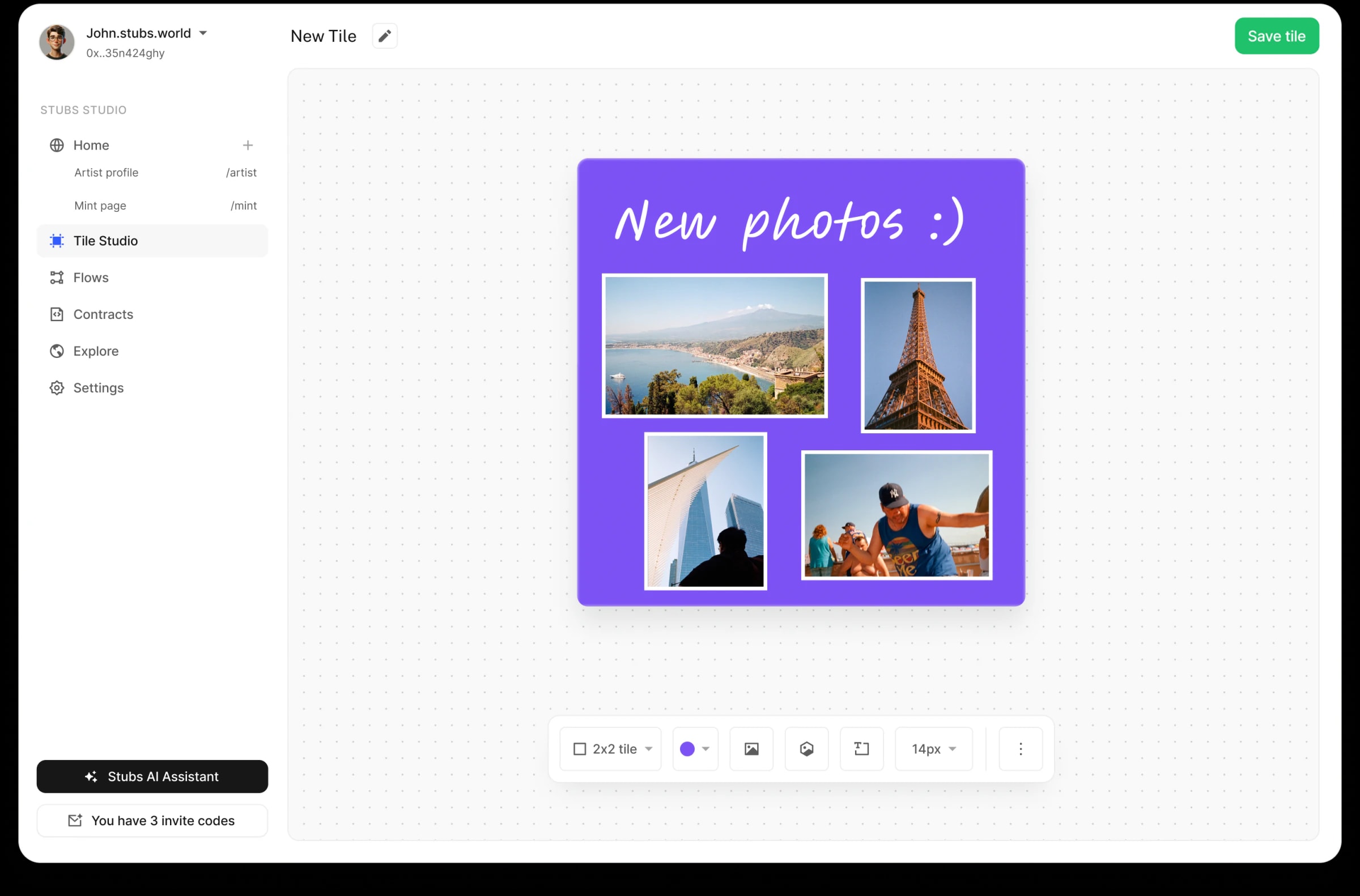
Tile Studio is where tiles are made, from a small set of base elements: color, type, images, and NFTs. The toolbar stays at the bottom of the canvas and carries only what a tile needs, size first.
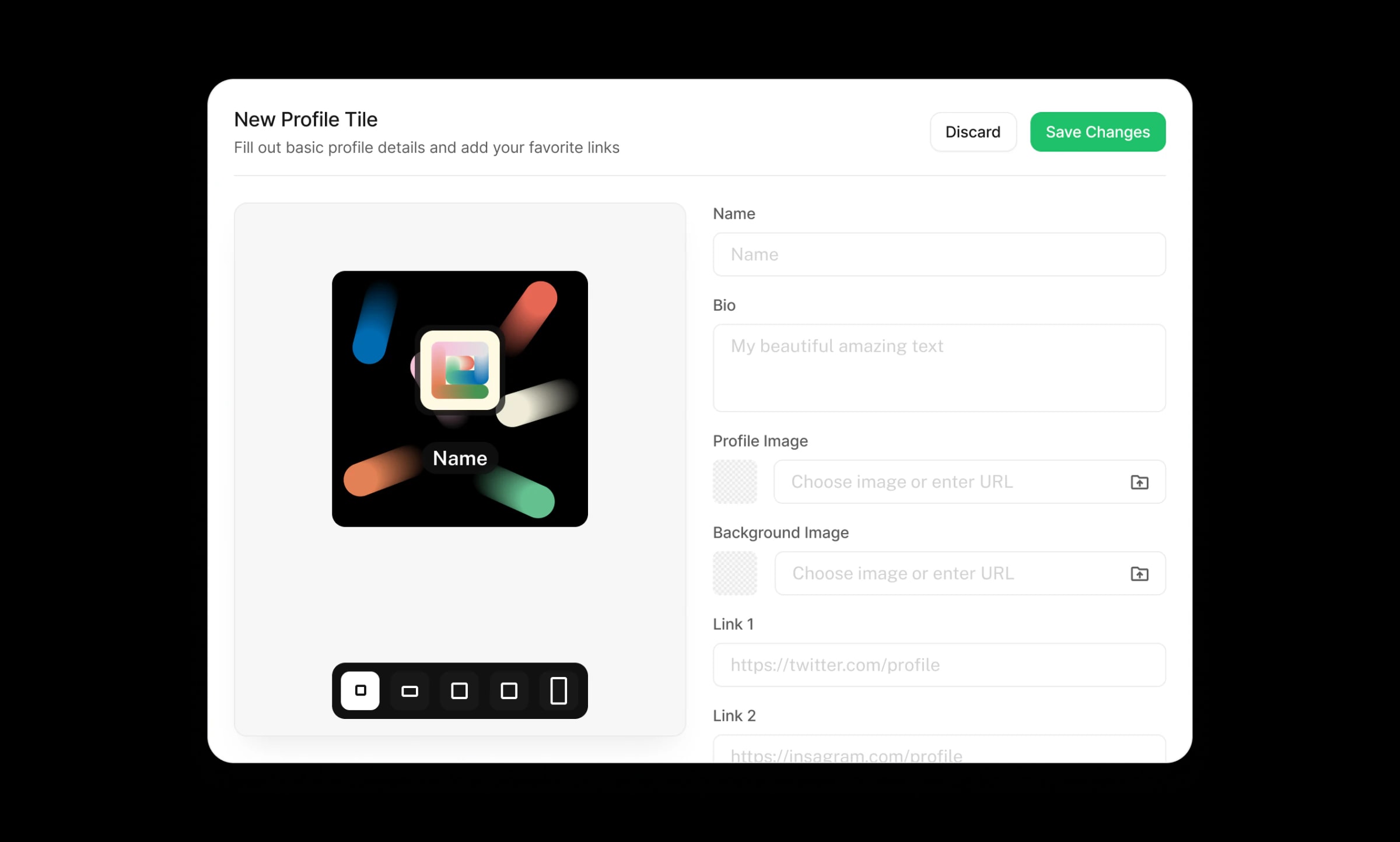
Creating a tile is a short form beside a live preview. A profile tile asks for a name, bio, images, and links, and the size picker sits directly under the preview, so you watch the tile take shape at every footprint as you fill it in.
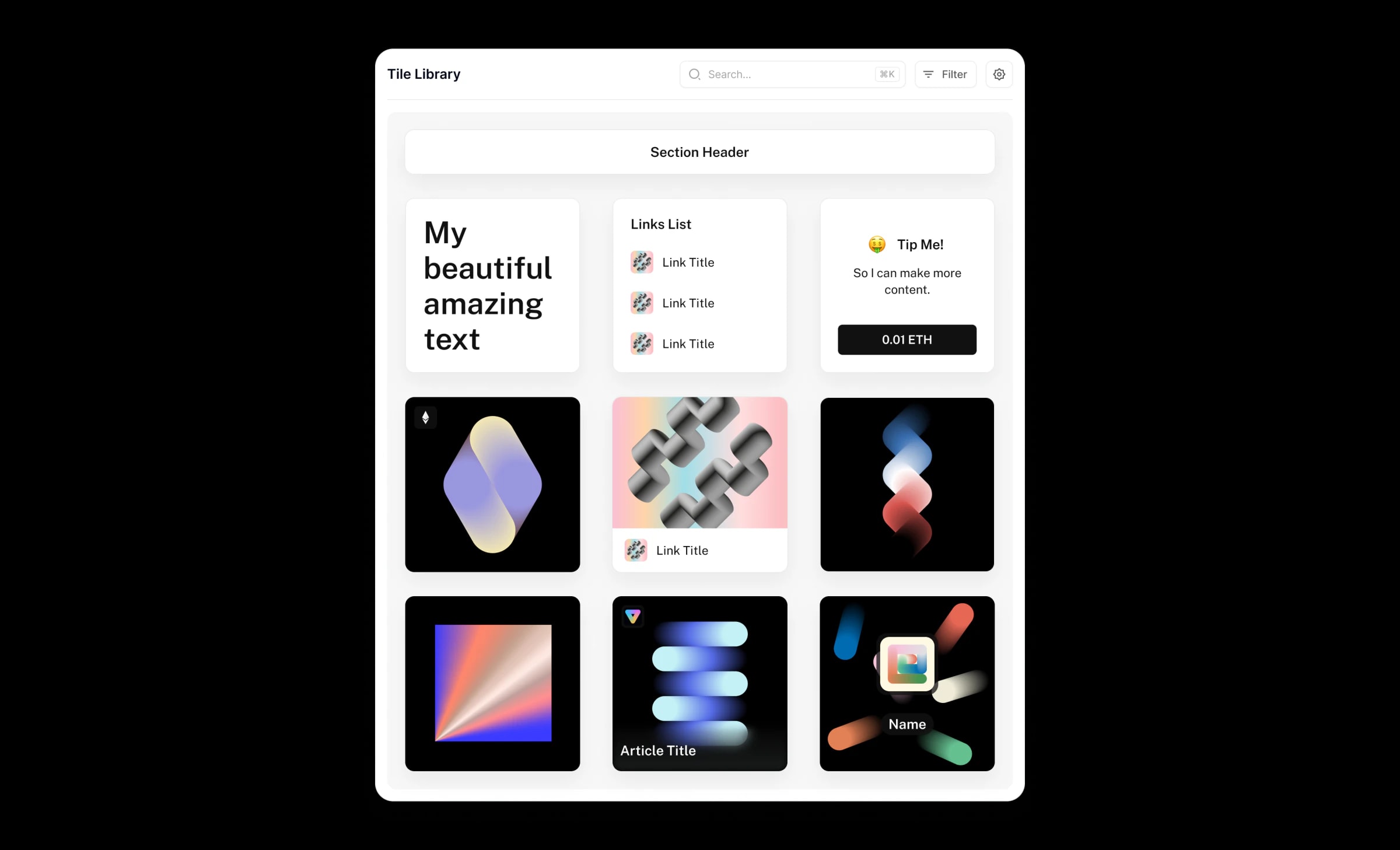
For people who would rather not build at all, the Tile Library offers prebuilt tiles: section headers, links lists, a tip jar, NFT cards, article and profile tiles. Searchable and filterable, each one is ready to drop onto a page.
Starting from something
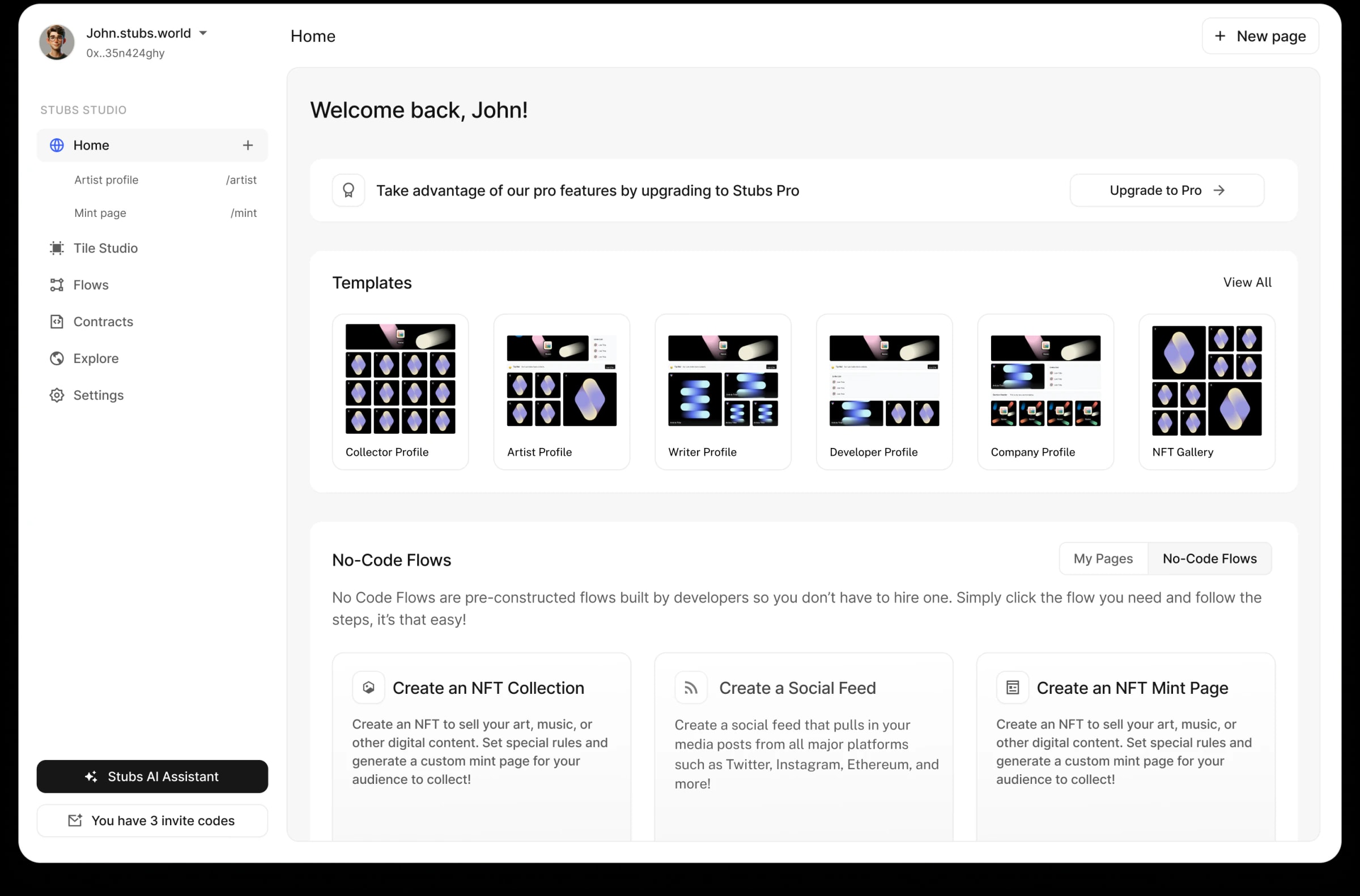
A blank canvas is the hardest place to start, so Home never shows one. It opens on templates for the people Stubs was built for (collector, artist, writer, developer, company, NFT gallery), the pages you already have, and No-Code Flows: guided steps for the jobs that used to need a developer, like creating an NFT collection, a social feed, or a mint page.
One shortcut for everything
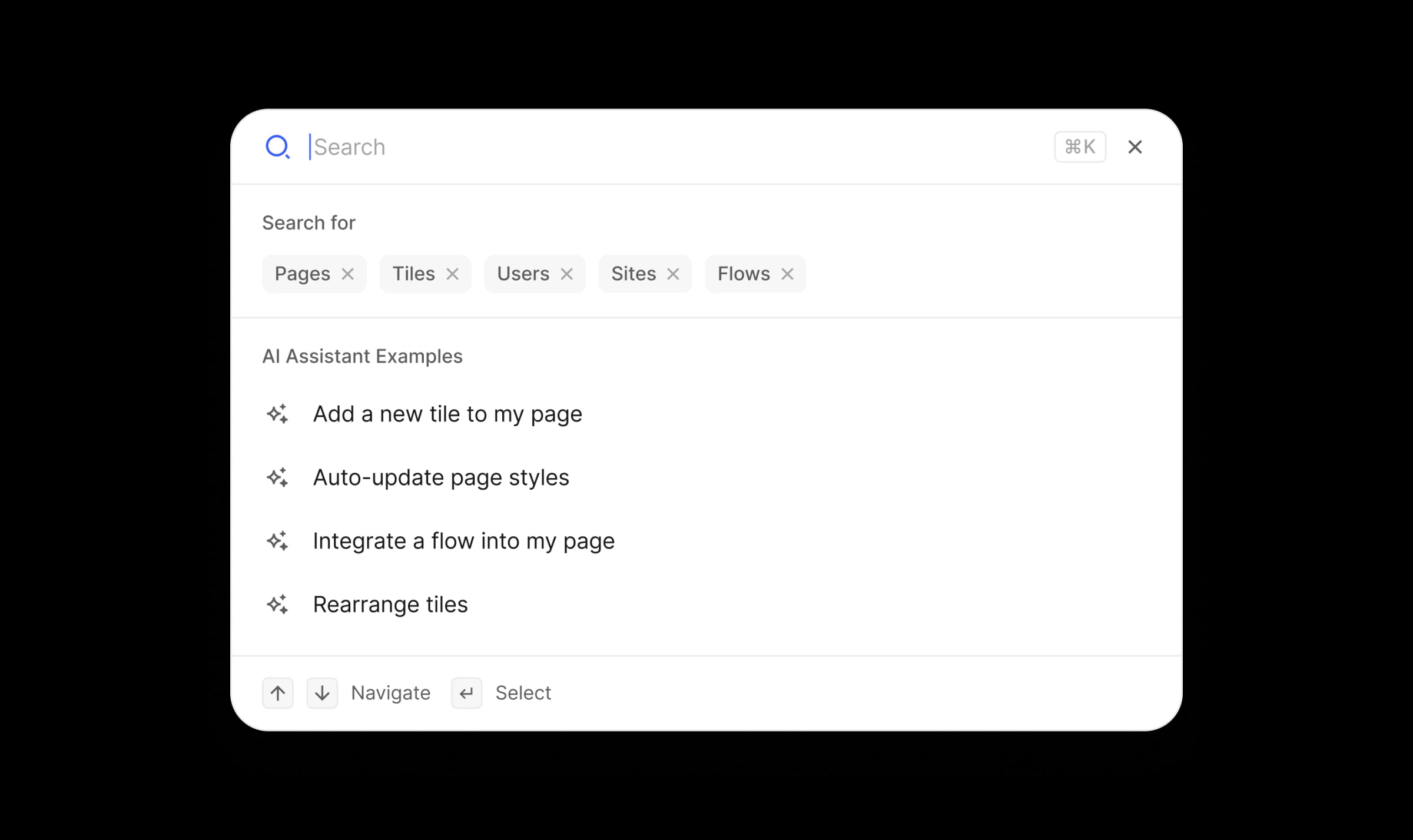
The command center puts the whole product one shortcut away: ⌘K searches pages, tiles, users, sites, and flows, and hands anything else to the Stubs AI Assistant. Add a tile, restyle a page, wire in a flow, or rearrange tiles, by asking.
The finished page
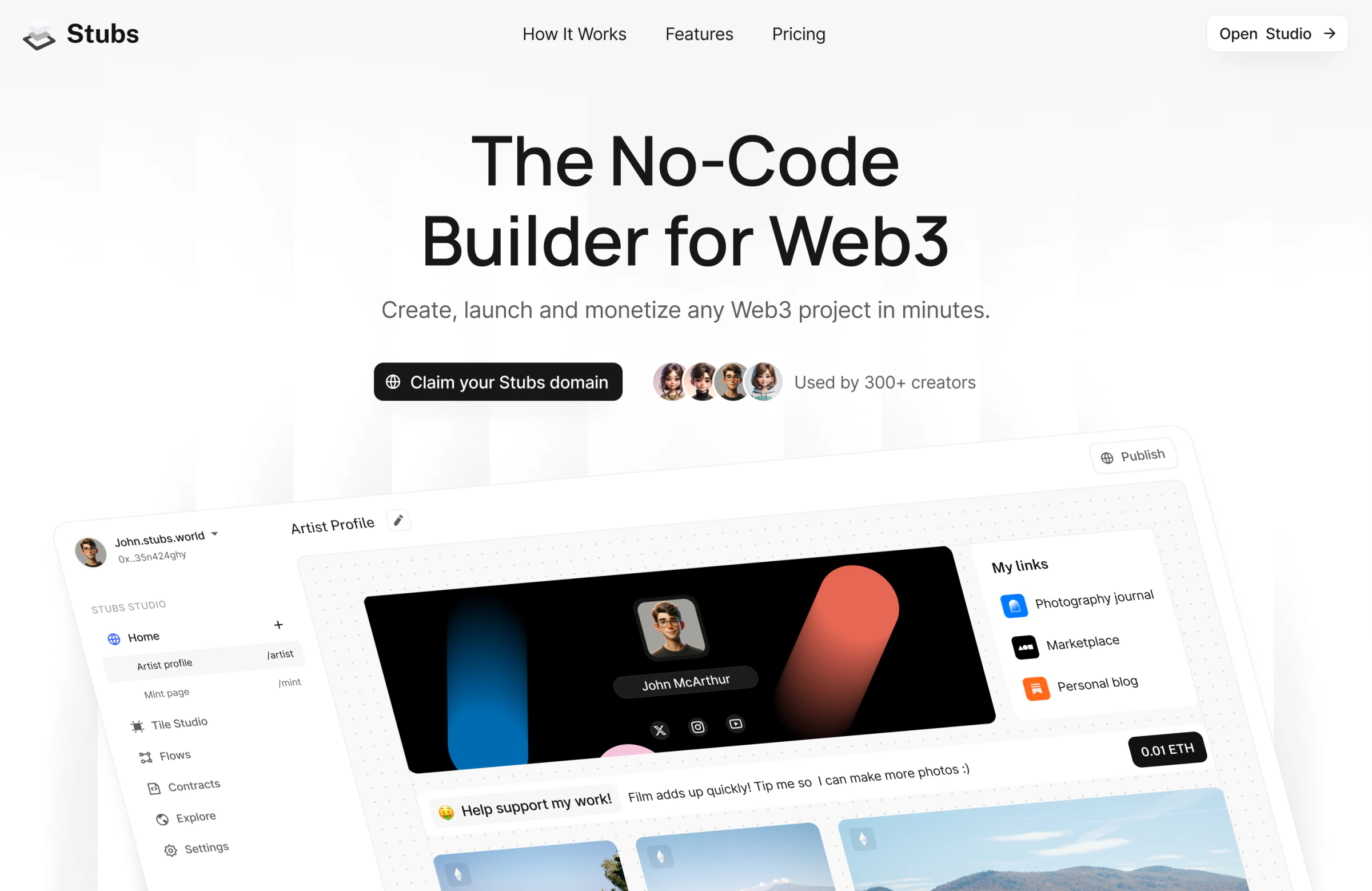
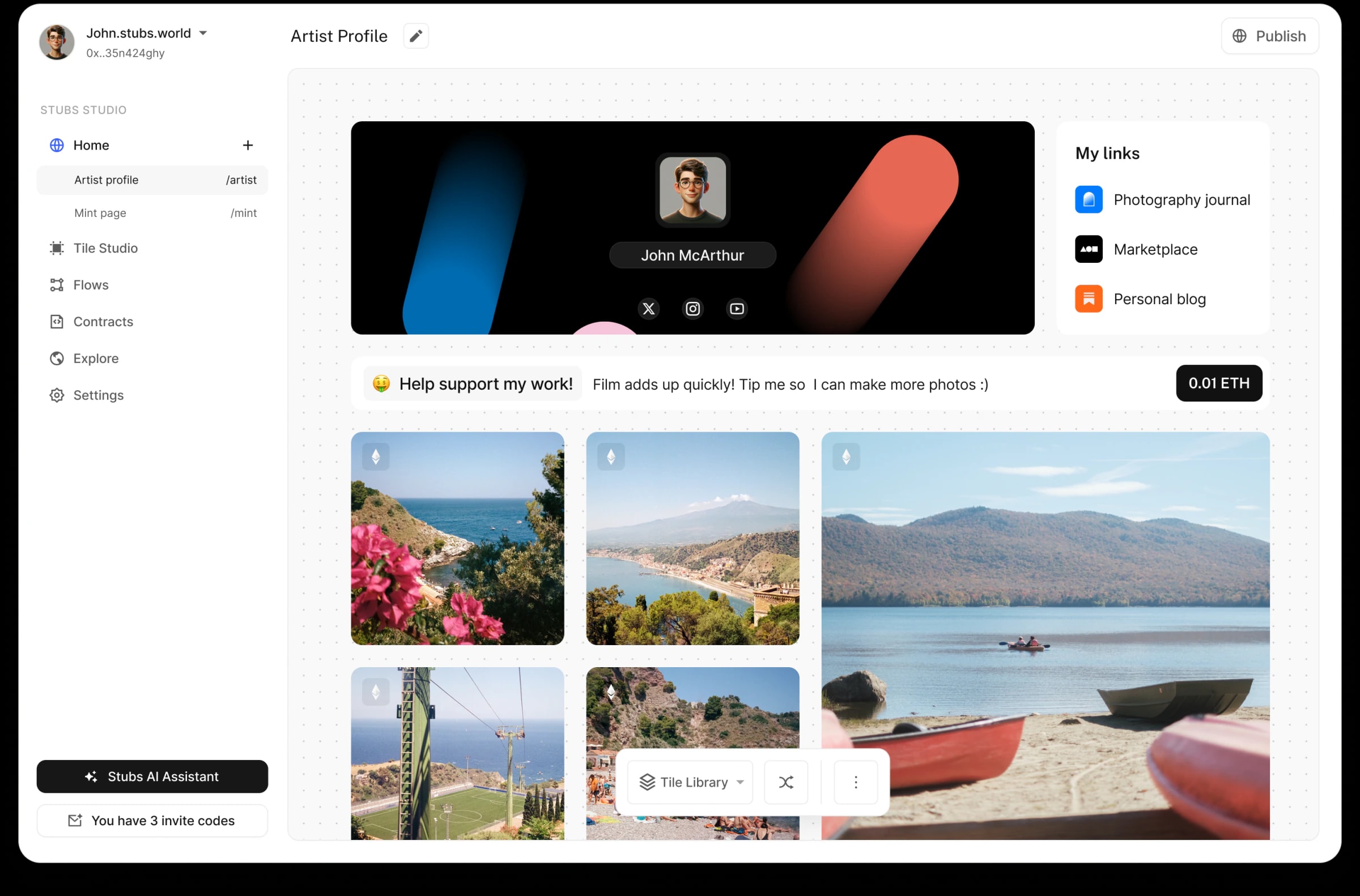
The artist profile template shows the system end to end: a profile tile with socials, a links list, a tip jar that takes ETH, and a grid of photos minted as NFTs. Every element is a tile, and every tile came from the same studio and library above.
Stubs Pocket
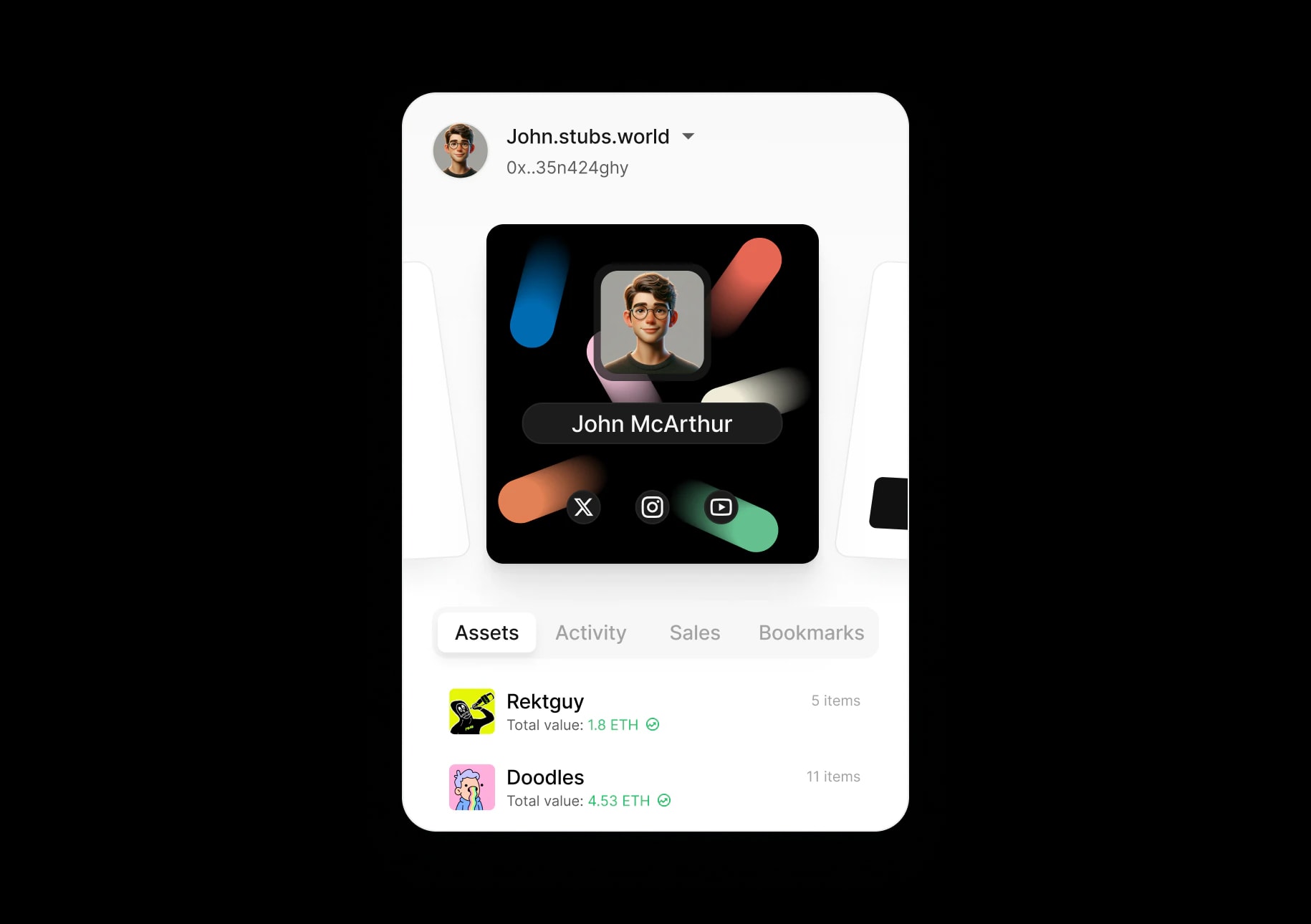
Pocket is the companion to the builder: one place for a creator's Web3 life. Assets, activity, sales, and bookmarks sit under the same profile tile that heads their page, so the wallet and the website feel like one product.